
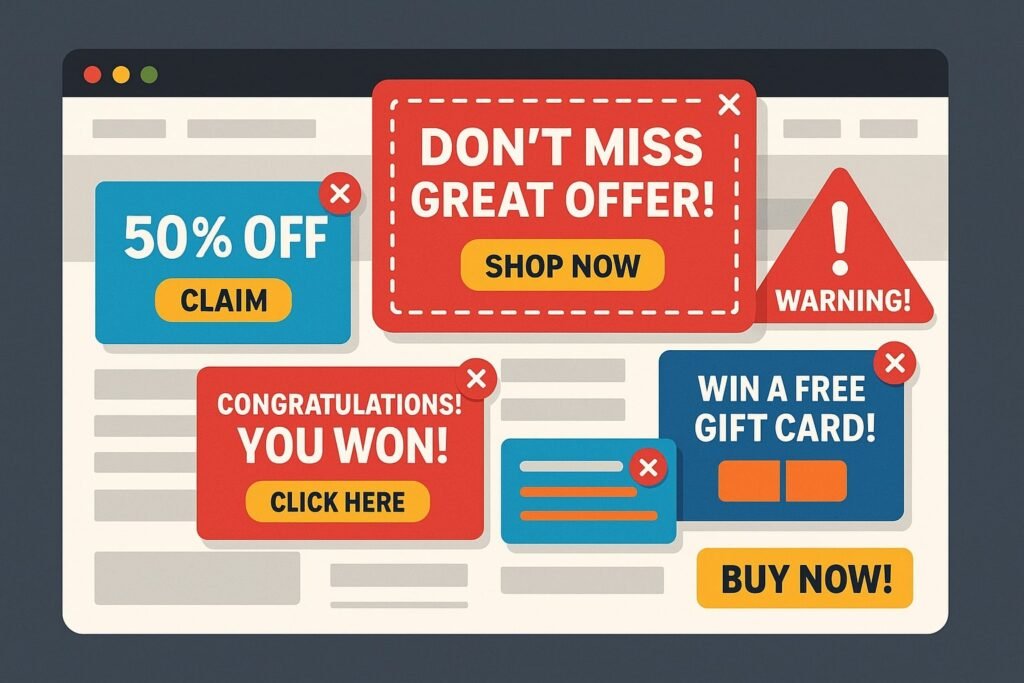
Fake websites don’t always look fake anymore. Not too long ago, spotting one didn’t take much effort — the design looked strange, the text had obvious mistakes, or the whole page just felt unreliable. These days, it’s not that simple. Some fake websites look almost identical to the real ones. Same logo, same colors, same layout.
If you land on the page quickly — especially through a link — you might not notice anything unusual at first. And that’s exactly what these sites depend on: speed. People clicking, typing, and moving on without really checking what’s in front of them.
It only takes a few seconds to check, but those few seconds matter. Here are 12 red flags that can help you spot a fake website before it costs you.
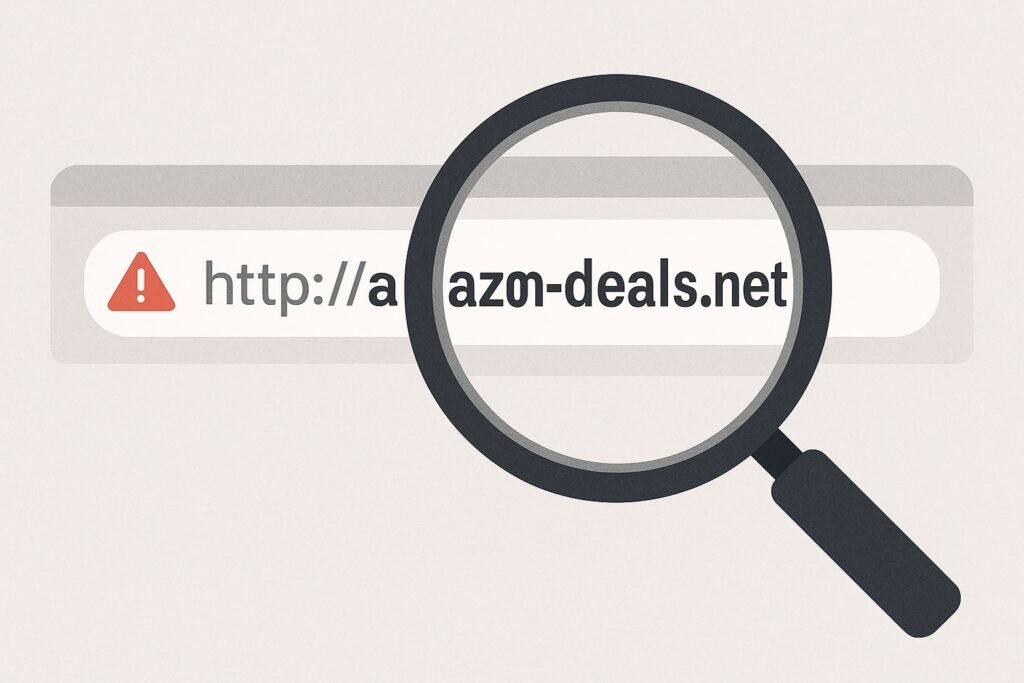
Most people don’t really look at the URL — they glance at it and move on. But this is often where the first clue is hiding. A fake site might look correct at a quick glance, but if you read it slowly, something feels slightly off: an extra letter, a hyphen that shouldn’t be there, or a word spelled differently. It’s often a small variation that’s easy to miss if you’re in a hurry.
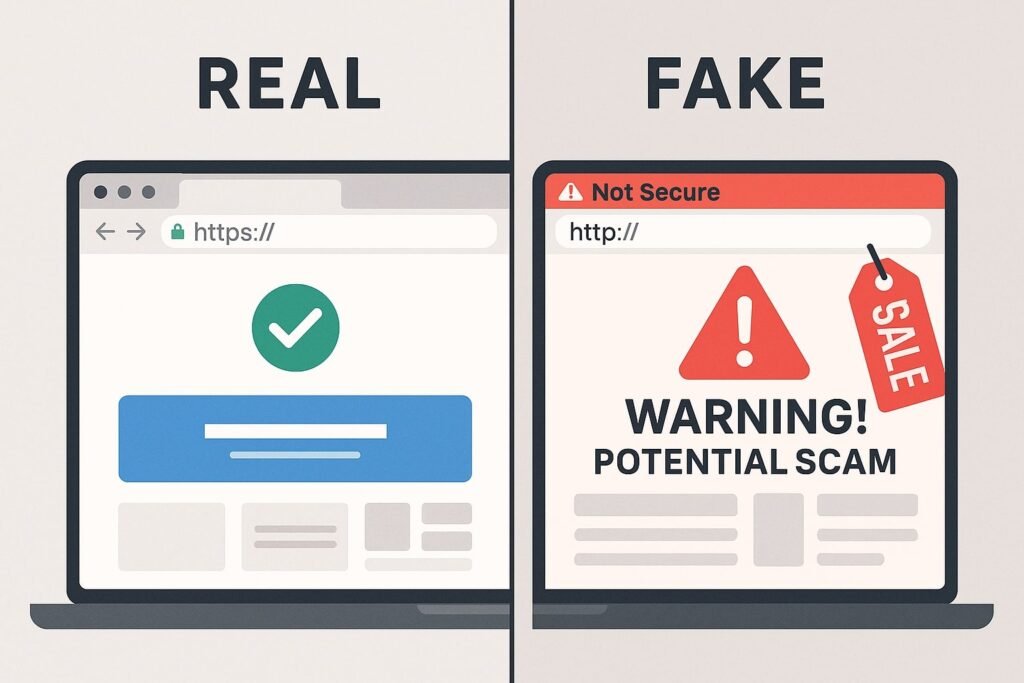
A secure website address starts with “https://” and shows a padlock icon in the browser bar. If either is missing, especially on a page asking for payment or login details, treat it as a warning sign. This alone doesn’t guarantee legitimacy, but its absence is a clear red flag.
A well-made fake website can look completely convincing — the layout, the images, even the buttons. But if you spend a little more time on the page, small things sometimes don’t behave as expected. A link doesn’t open properly. A button leads nowhere. The text feels slightly odd. Nothing obvious on its own, just small details that don’t quite fit.
One thing fake websites do very well is create pressure. You might see a warning about your account, a message saying you need to act immediately, or a limited-time offer that feels too good to ignore. The idea is simple — get you to react before you think. Whenever something feels rushed like that, it’s usually a good reason to slow down instead.
Legitimate businesses are generally upfront about who they are. If a site has little to no information about the company, no physical address, and no working phone number or email, that’s a warning sign worth taking seriously.
While AI has made it easier for scammers to produce polished, error-free text, inconsistent formatting, awkward phrasing, or obvious typos in critical sections (like payment pages) are still common on hastily built fake sites.
Massive discounts on high-value items, unrealistic investment returns, or prices far below what every other retailer is charging are classic bait. Scam sites use these to create urgency and override caution.
Legitimate websites typically offer secure, traceable payment options — credit cards, debit cards, or trusted third-party processors. If a site insists on bank transfers, cryptocurrency, or gift cards only, that is a serious red flag.
Genuine businesses usually have working social media links in their footer, leading to active profiles with real engagement. On fake sites, these icons are often just images — the links either lead nowhere, redirect to the homepage, or point to freshly created, inactive profiles.
A reviews section on the website itself is easy to fabricate. Search for the business name or URL separately, in a search engine, to see what others are actually saying. Watch out for repeated phrasing or overly generic praise, which can indicate fake reviews.
If you arrived via an unexpected email, text message, or pop-up ad rather than searching directly or typing the URL yourself, be extra cautious. Phishing links are one of the most common ways people land on fake websites in the first place.
The moment a site asks for login details, card information, or personal data — that’s the moment to pause. No amount of convincing design should override that instinct. If anything about how you got there or how the page behaves feels off, stop before entering anything sensitive.
Fake websites rely on speed. Taking even 30 extra seconds to check the URL, look for HTTPS, notice small inconsistencies, and resist the pressure to act immediately can be the difference between a normal transaction and a costly mistake.
If you’ve already entered sensitive information on a website you now suspect was fake, don’t wait — reach out for legal guidance on next steps as quickly as possible.