
Introduction
Many people believe that as long as they don’t share their OTP, their money is safe.
Unfortunately, that’s not always true.
In recent years, UPI fraud without OTP cases have increased where victims lose money without ever sharing an OTP. Scammers have become smarter. They don’t always break security systems — they trick people into authorizing transactions themselves.
Understanding how these scams work is the first step toward preventing them.
How UPI Security Actually Works
UPI payments usually require:
- A registered mobile number
- A UPI PIN
- App authentication
In most cases, OTP is required only during:
- First-time device registration
- Changing UPI PIN
- Linking a new bank account
Regular payments often require only your UPI PIN — not an OTP.
This is where scammers manipulate victims.
1. “Collect Request” Scam
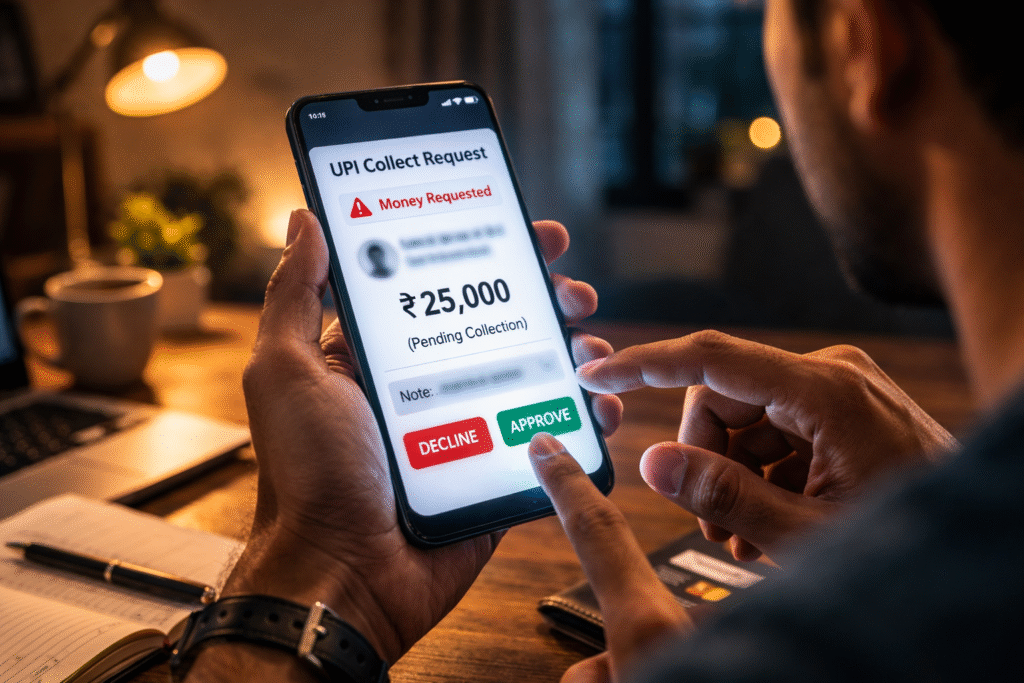
This is one of the most common UPI fraud methods.
Here’s how it works:
- The scammer calls or messages pretending to be:
- A buyer
- Customer support
- A delivery agent
- A bank representative
- They say they are sending money to you.
- Instead of sending money, they send a “Collect Request”.
- The victim enters their UPI PIN thinking they are receiving money.
But entering the PIN actually approves the payment, sending money to the scammer.
No OTP is involved.
2. Fake Customer Care Numbers

Many victims search online for bank or wallet customer care numbers. Scammers create fake listings.
When victims call:
- The scammer asks them to download a remote access app.
- They guide them to “verify” their account.
- The victim unknowingly approves a transaction.
Again, no OTP is required — only UPI PIN authorization.
3. Screen Sharing / Remote Access Apps
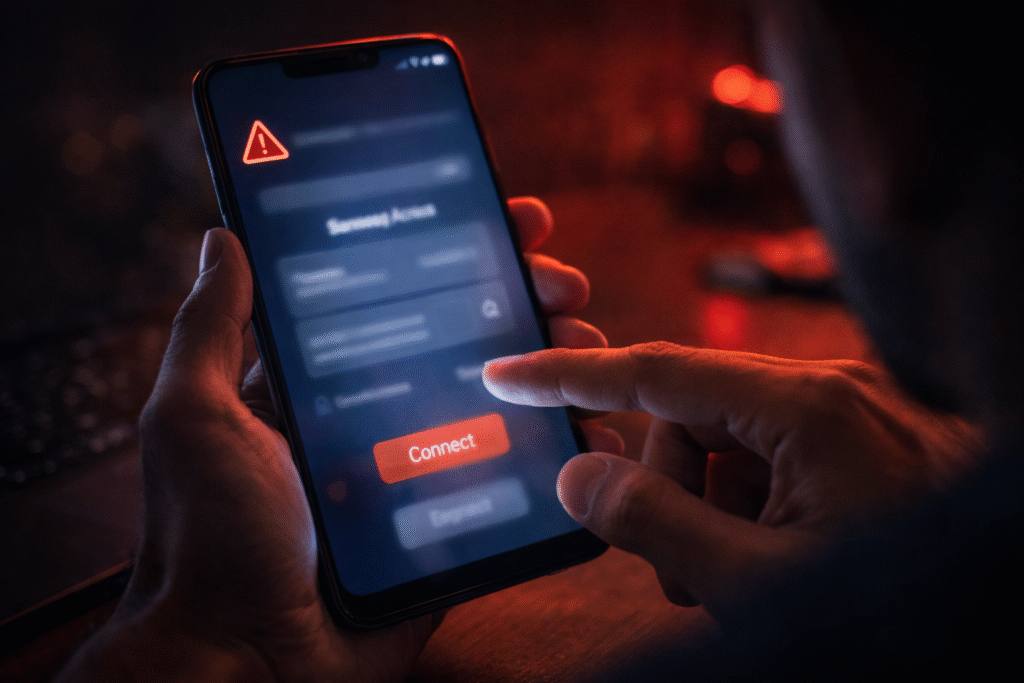
Scammers convince victims to install apps that allow screen sharing.
Once installed:
- The scammer can see everything on the victim’s screen.
- They guide the victim step-by-step.
- The victim unknowingly enters their UPI PIN.
The system is secure — but the human is manipulated.
4. QR Code Scam
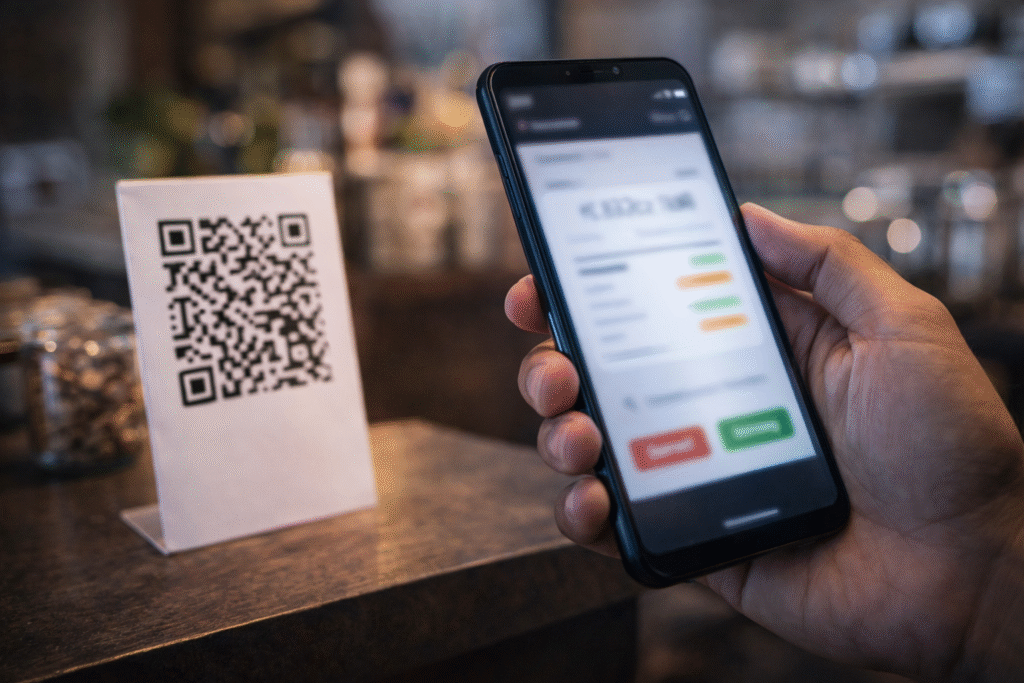
Another common trick:
The scammer sends a QR code and says:
“Scan this to receive payment.”
In reality:
- Scanning a QR code can trigger a payment request.
- When you enter your PIN, money goes out — not in.
Remember:
You never need to enter a PIN to receive money.
Why No OTP Is Needed
People assume OTP is required for every transaction.
But UPI works differently:
- Your UPI PIN acts as transaction authorization.
- OTP is mostly for registration or resetting.
So if you enter your UPI PIN after a collect request — you’ve approved the payment yourself.
That’s how scammers steal money “without OTP.”
Warning Signs of UPI Fraud
Be alert if:
- Someone asks you to enter your UPI PIN to receive money
- A caller pressures you to act immediately
- You are told to install unknown apps
- You receive unexpected collect requests
- The caller claims to be from a bank but refuses verification
How to Protect Yourself
- Never share your UPI PIN with anyone
- Never enter PIN to receive money
- Do not install remote access apps on someone’s request
- Verify customer care numbers from official websites
- Enable transaction alerts
- Report suspicious activity immediately
If fraud happens:
- Inform your bank immediately
- Call the cybercrime helpline (1930 in India)
- File a complaint on the official cybercrime portal
Quick action increases chances of fund recovery.
Final Thoughts
UPI systems are secure — but scams exploit trust, urgency, and lack of awareness.
Fraud today isn’t always about hacking technology.
It’s about hacking human behavior.
The safest rule to remember:
If you are entering your UPI PIN, money is going out — not coming in.
Stay alert. Stay informed.