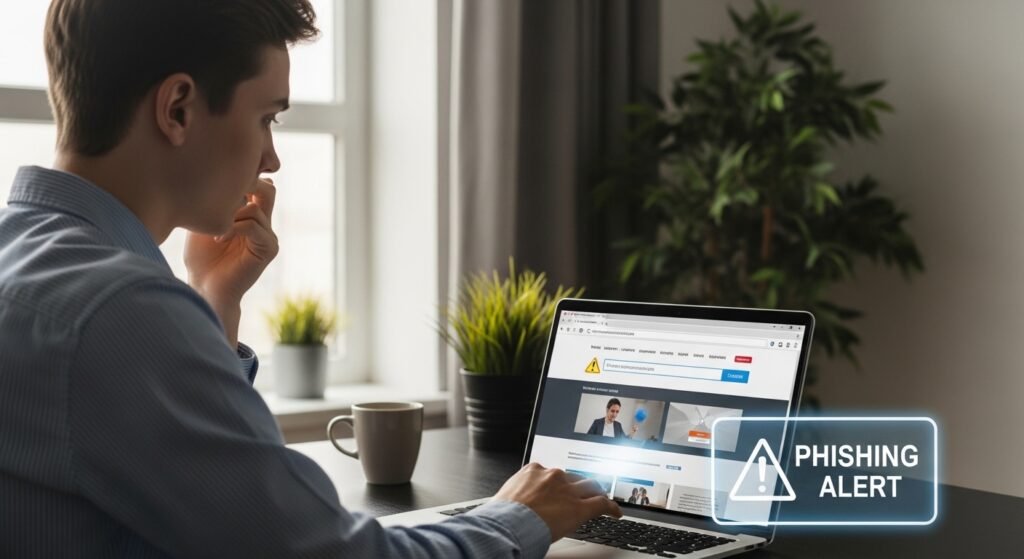
Not too long ago, spotting a fake website didn’t take much effort. You could usually tell something was off within a few seconds. The design looked strange, the text had obvious mistakes, or the whole page just felt unreliable.
These days, it’s not that simple.
Some fake websites look almost identical to the real ones. Same logo, same colors, same layout. If you land on the page quickly—especially through a link—you might not notice anything unusual at first.
And that’s exactly what these sites depend on.
Start With the Address (Even If It Looks Right)
Most people don’t really look at the web address. They just glance at it and move on.
But this is often where the first clue is hiding.
A fake site might look correct at a quick glance, but if you read it slowly, something feels slightly off. Maybe an extra letter. Maybe a word spelled differently. Sometimes it’s just a small variation that’s easy to miss if you’re in a hurry.
It only takes a few seconds to check, but those few seconds matter.
Don’t Trust the Design Alone
A well-made fake website can look completely convincing.
Everything might appear normal—the layout, the images, even the buttons. But if you spend a little more time on the page, small things sometimes don’t behave as expected.
A link doesn’t open properly. A button leads nowhere. The text feels slightly odd.
Nothing obvious, just small details that don’t quite fit.
Be Careful When the Site Feels Urgent
One thing fake websites do very well is create pressure.
You might see something like a warning about your account or a message saying you need to act immediately. Sometimes it’s a limited-time offer that feels too good to ignore.
The idea is simple—get you to react before you think.
Whenever something feels rushed like that, it’s usually a good reason to slow down instead.
Think Before You Type Anything
The moment a site asks for login details, card information, or personal data—that’s the moment to pause.
Not every request is suspicious, of course. But if you didn’t intentionally visit the site, or if you arrived there through a random link, it’s worth double-checking.
A safer option is to close the page and open the official website yourself.
Lorem ipsum dolor sit amet, consectetur adipiscing elit. Ut elit tellus, luctus nec ullamcorper mattis, pulvinar dapibus leo.
How Did You Land There?
This part is easy to overlook.
Sometimes people end up on fake websites through links in messages—WhatsApp, email, social media, or even ads. The link looks genuine, so they click without thinking much about it.
But that path matters.
If you didn’t search for the site yourself, there’s always a chance it’s not what it seems.
The Lock Icon Isn’t Enough
A lot of people rely on the small lock symbol in the browser.
It does indicate that the connection is secure, but it doesn’t mean the website itself is trustworthy. Even fake sites can have that symbol.
So it helps—but it’s not proof.
When Something Feels Slightly Off
Sometimes there isn’t a clear sign.
The page looks fine. The text seems okay. But something just doesn’t sit right.
That feeling is worth paying attention to.
You don’t need to figure out exactly what’s wrong. Just stepping away and checking the site from another source is usually enough.
Final Thoughts
Fake websites don’t always look fake anymore.
Most of the time, they rely on speed—people clicking, typing, and moving on without really checking what’s in front of them.
Taking a few extra seconds can change that completely.
Sometimes, those 30 seconds are all it takes to avoid a mistake.